Language: Português (BR) · Español
IPSC Leaderboard for PractiScore
Turn your IPSC matches into memorable experiences. Real-time leaderboards, professional OBS overlay broadcasts, TV kiosk mode, and seamless PractiScore 1.7.x / 2.0.x integration — full documentation mirrored from https://hotsite.scoring.services/
PractiScore PS-Leaderboard IPSC Leaderboard overlay OBS placar ao vivo hotsite
Get started now — it is free
Sign up in under 2 minutes, automatic approval in most cases, and a real-time system on match day. Videos, screenshots, and the install guide on the official hotsite.
Quick actions
Jump straight to import tools and related guides.
What you get on this page
- Real-time leaderboards that update instantly.
- Professional broadcasts with custom OBS Studio overlays.
- Seamless PractiScore 1.7.x and 2.0.x integration; synchronized multi-tablet scoring.
- TV kiosk mode for continuous display at the range.
- WinMSS and Shooting House export; detailed score logs.
Quick summary
- Free sign-up: https://scoring.services/register
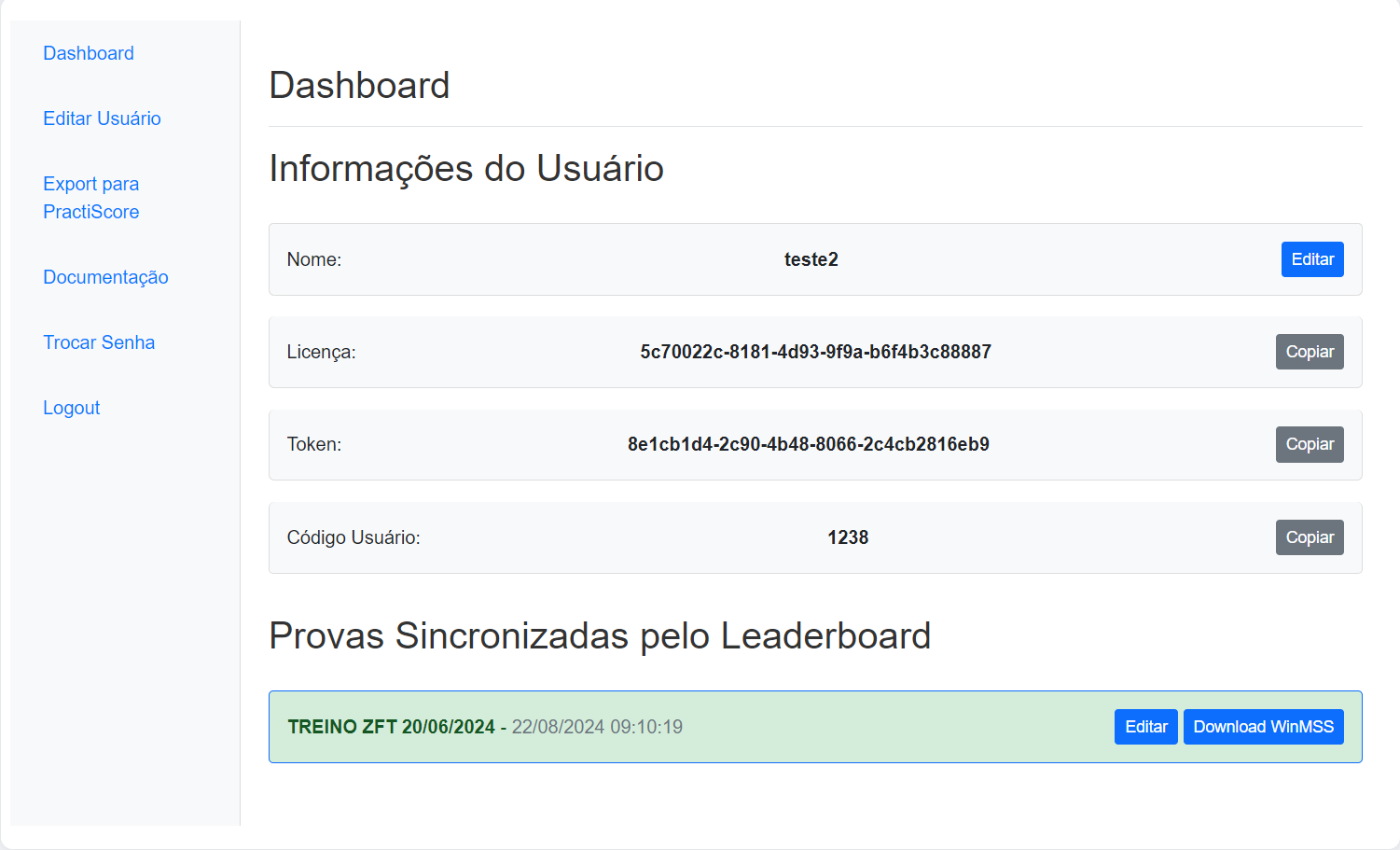
- Dashboard: https://login.scoring.services
- Visual guide: https://hotsite.scoring.services/install.html
- Public scoreboard: /matches and overlay at /live-stream-overlay-ipsc
How we stream with OBS Studio
Step-by-step workflow: match data in Scoring Services, overlay in OBS Studio (Browser Source), and live scoreboard for the audience.
OBS Studio (como fazemos na prática)
1) Gerar URL do overlay
Na prova ativa: /match/{id}/config/overlay → escolher pista → copiar URL.
Abrir provas2) Browser Source no OBS
Fonte Navegador, 1920×1080, marcar fundo transparente; sem Custom CSS extra.
Guia overlayNa transmissão ao vivo
Ferramentas de análise
Comparativos, PDF e cronógrafo no mesmo ecossistema.
/ferramentas-analise-tiro-praticoSistema (placar e prova ao vivo)
Video example: streaming with OBS Studio
Real recording of our live setup — Scoring Services scoreboard on screen, transparent OBS overlay, and athletes following along at m.scoring.services.
Professional live stream with OBS Studio and PractiScore
See how the solution integrates with OBS Studio, Prism, and similar tools for professional broadcasts with custom overlays.
- Placar e resultados vêm do Scoring Services (dados da prova ao vivo ou PractiScore).
- No OBS Studio: Browser Source com a URL do overlay, fundo transparente, 1920×1080.
- Na live: leaderboard e faixa de último tiro; no estande: m.scoring.services no celular.
Transform your IPSC matches into memorable experiences
The definitive solution for clubs and federations that want to take IPSC competitions to the next level. Seamless PractiScore integration, real-time leaderboards, and professional broadcasts that keep athletes and the audience connected at every moment of the match. Full commercial and technical documentation lives at https://hotsite.scoring.services/
Why choose this solution
Imagine your matches with: instant leaderboard updates; professional broadcasts with custom overlays; an immersive experience for athletes and spectators; perfect integration with PractiScore 1.7.x and 2.0.x; TV kiosk mode for continuous display; and detailed score logs for complete analysis.
Revolutionary features — cutting-edge IPSC technology
Built specifically for IPSC competitions: instant scoreboard updates; perfect sync between tablets and dashboard; minimal latency for immediate results; multi-tablet synchronized scoring; professional views including TV kiosk loop mode, OBS overlay integration, per-stage display with last shooter scoring, and multi-view layouts for different needs.
High-impact broadcasting
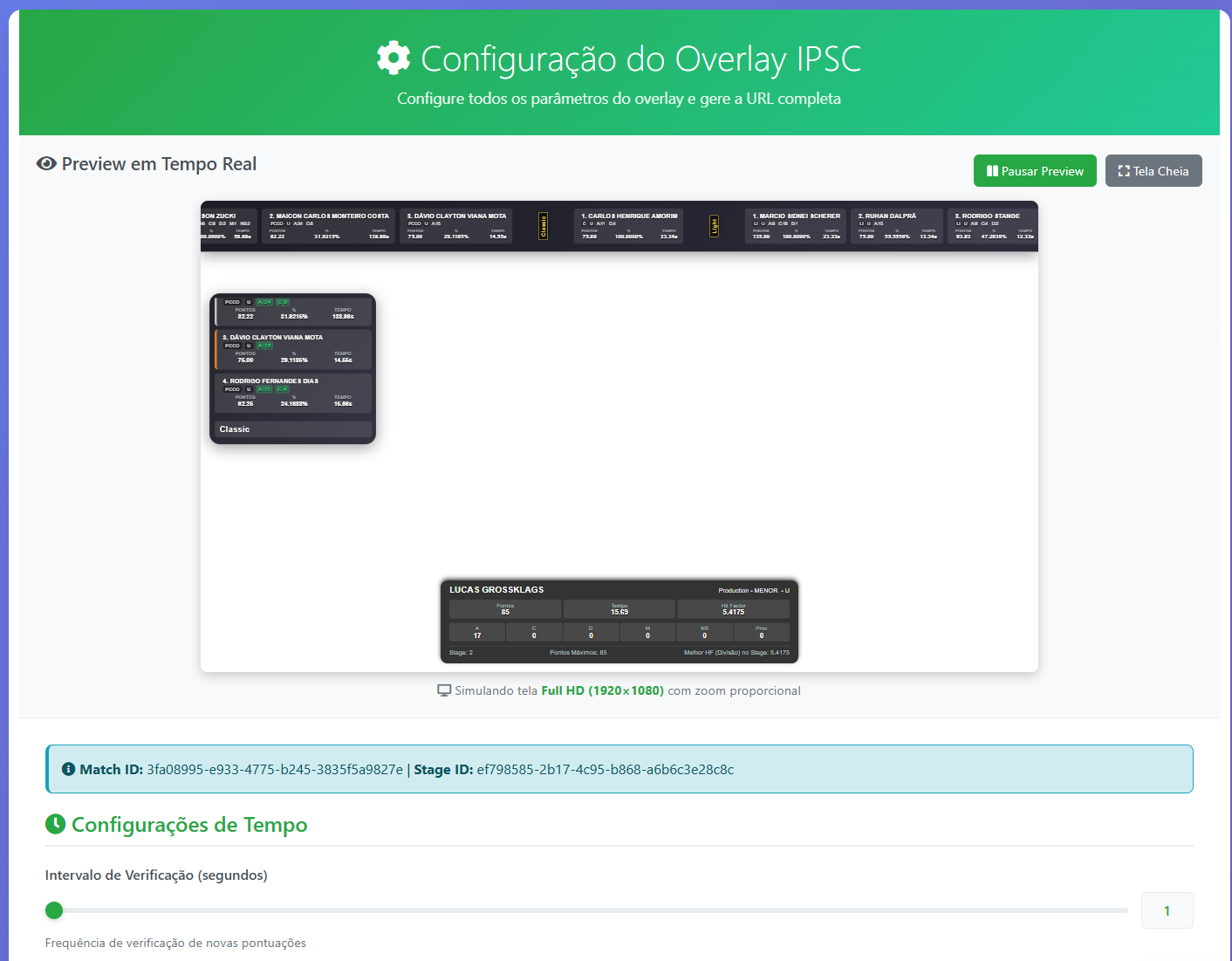
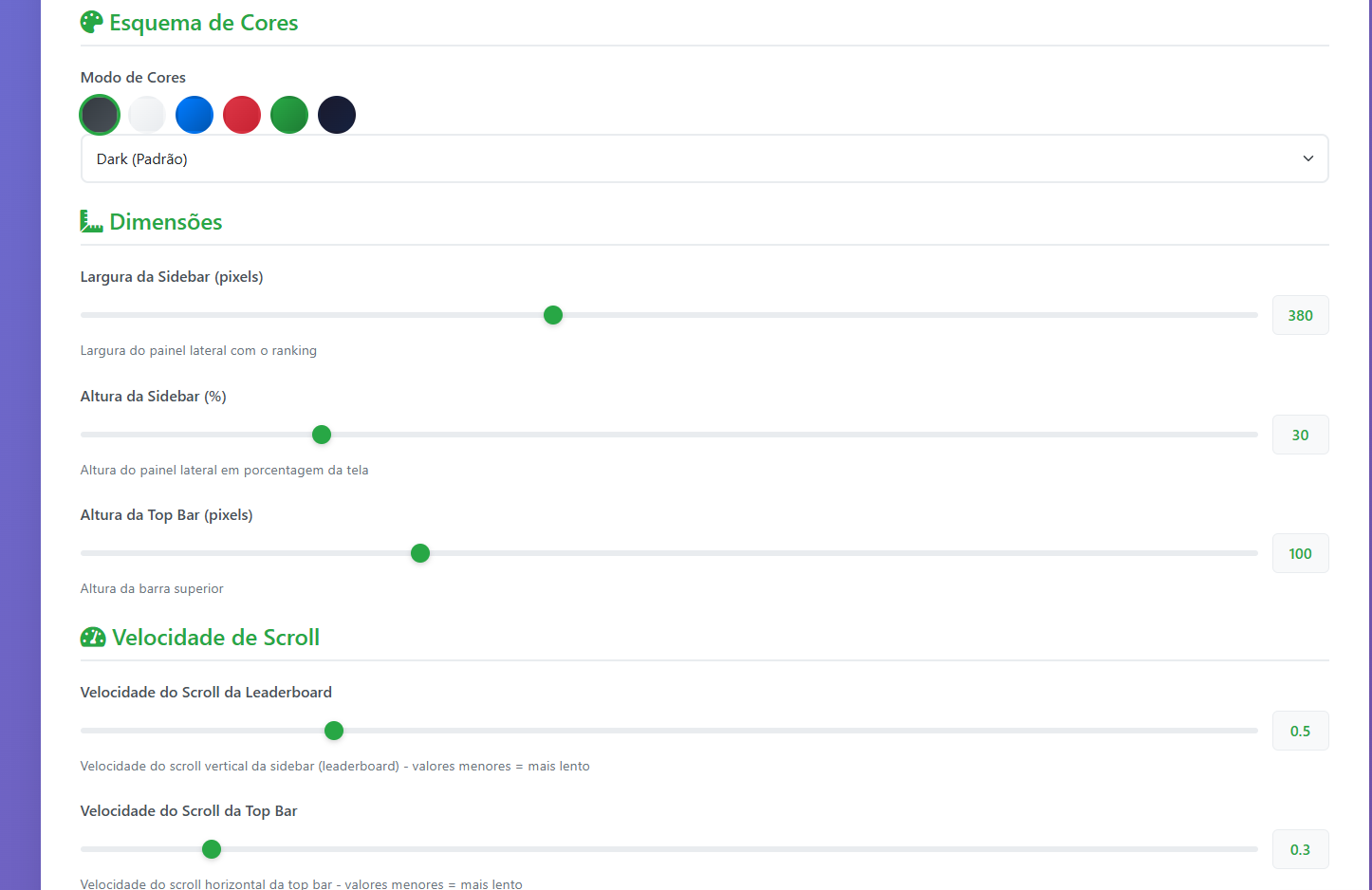
Custom overlays for OBS Studio; Prism integration (Android/iPhone); professional broadcasts with real-time data; and a cinematic experience for spectators. Configure the transparent overlay URL from your match wizard — same data the PractiScore tablets send. Full guide: /live-stream-overlay-ipsc.
Benefits for clubs, athletes, and spectators
Clubs and federations: competitive edge, premium experience, professional broadcasts, intuitive management, and full compatibility with existing systems. Athletes: real-time results, immersive experience, full transparency, and easy sharing. Spectators: professional streams with integrated data, cinematic real-time experience, total engagement, and multi-platform access to results.
Ideal use cases
Regional matches: real-time leaderboards, live streams for remote spectators, kiosk mode on site. National championships: multi-tablet scoring, professional overlays, automatic federation export. International events: full global system integration, high-quality broadcasts, and IPSC standard compatibility.
Free sign-up advantages
No registration or monthly fees; full access to all features; technical support included; automatic system updates; and automatic data backup. Start at https://scoring.services/register sign in at https://login.scoring.services and follow https://hotsite.scoring.services/install.html
Contact and next steps
Instagram @scoring.services, YouTube tutorials, GitHub repositories, and email for demos. Partner: IPSC Team — ZFT Indaial/LSC. Continue in the Scoring Services ecosystem: /match-hub-ipsc, /free-ipsc-results-no-login, and /import-match-ipsc.
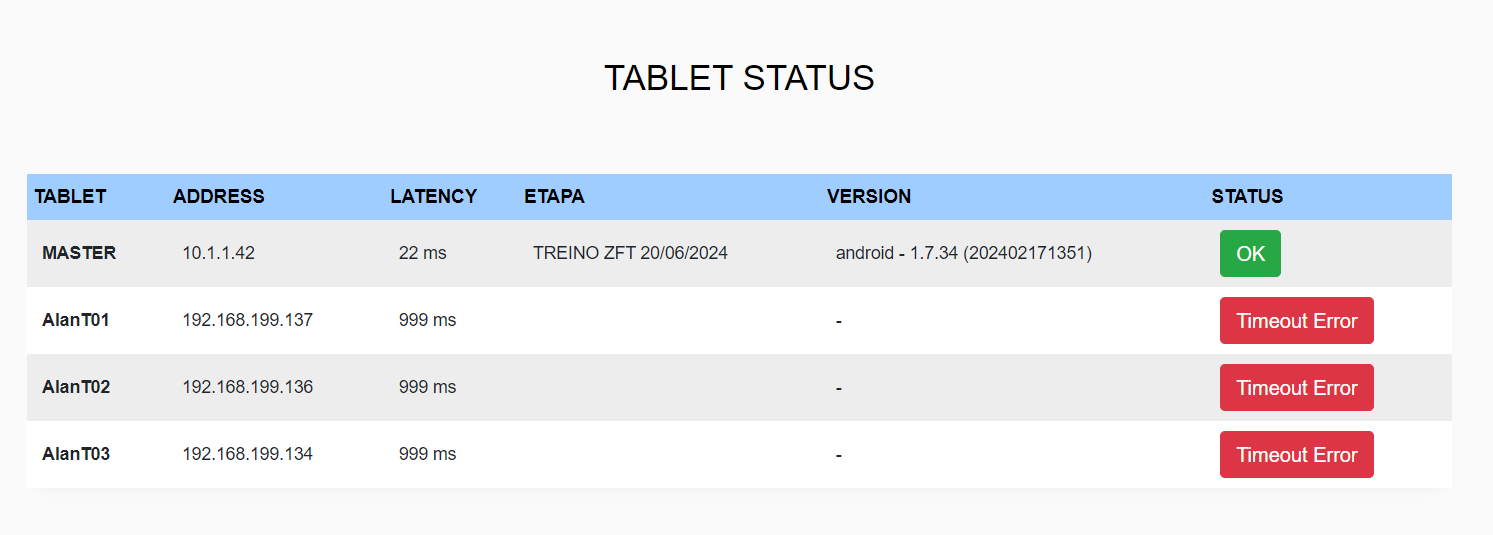
Smart device monitoring
Full control over your tablets with connection status and real-time sync.
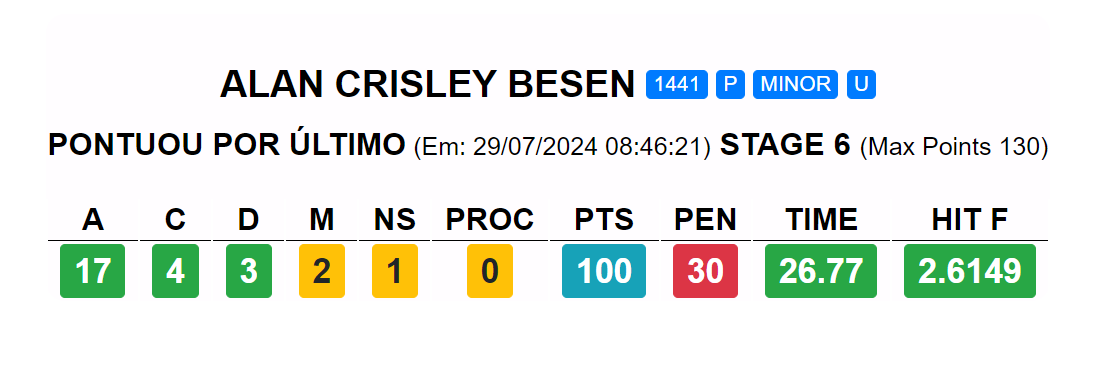
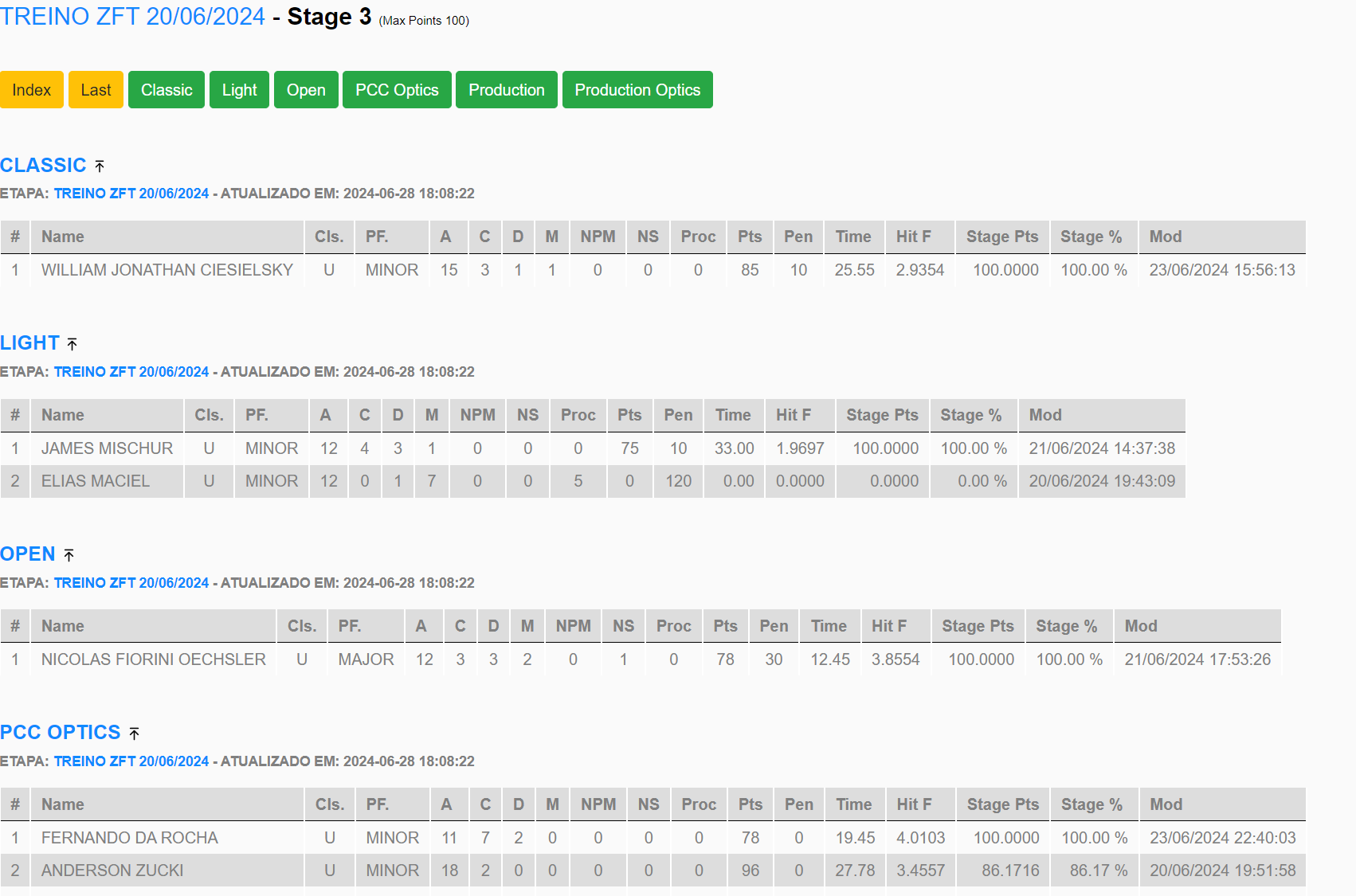
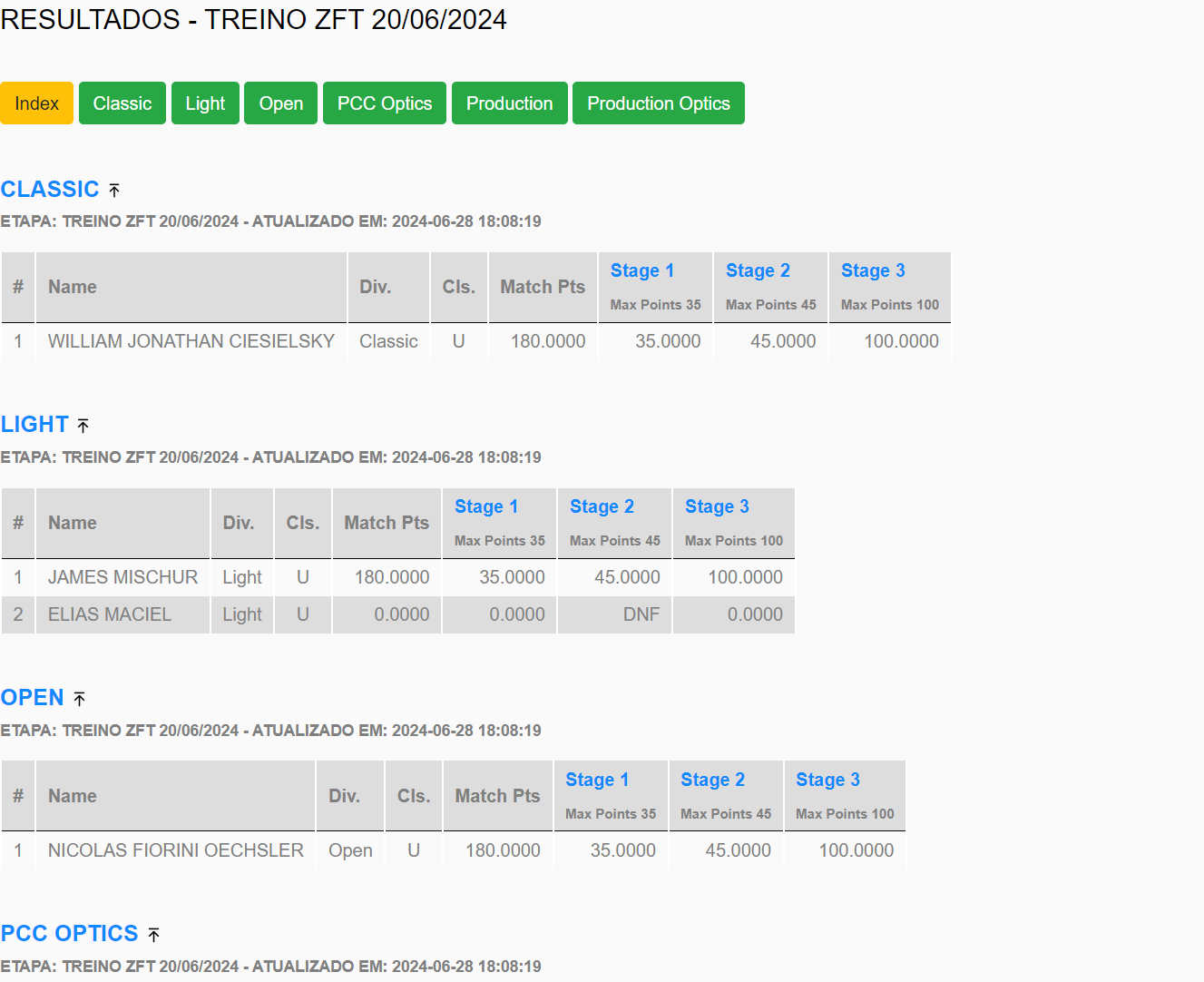
Detailed stage views
Last shooter, full stage breakdown, and consolidated summaries for quick decisions.
Versatile display modes
TV kiosk mode and custom overlays for professional live broadcasts.
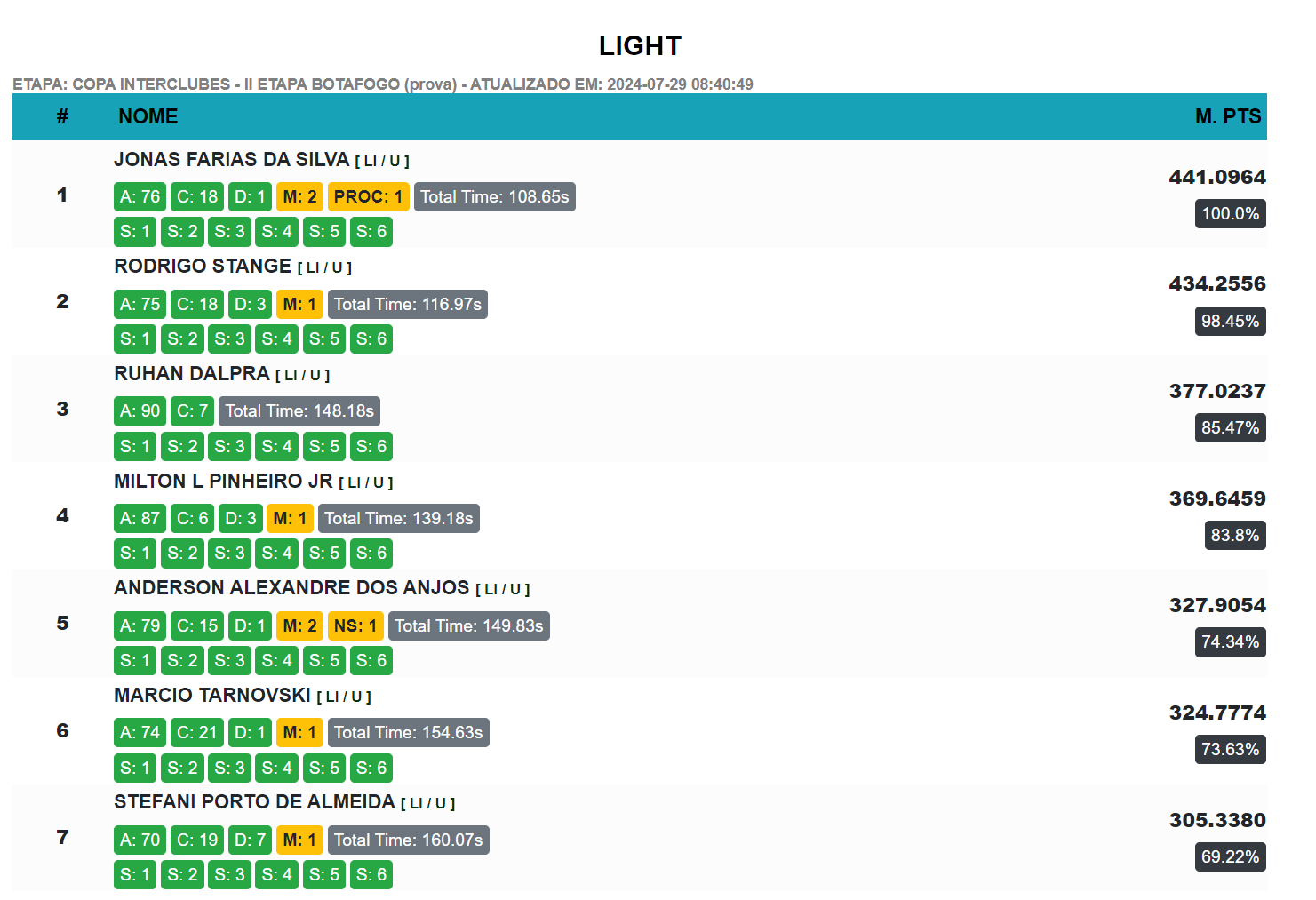
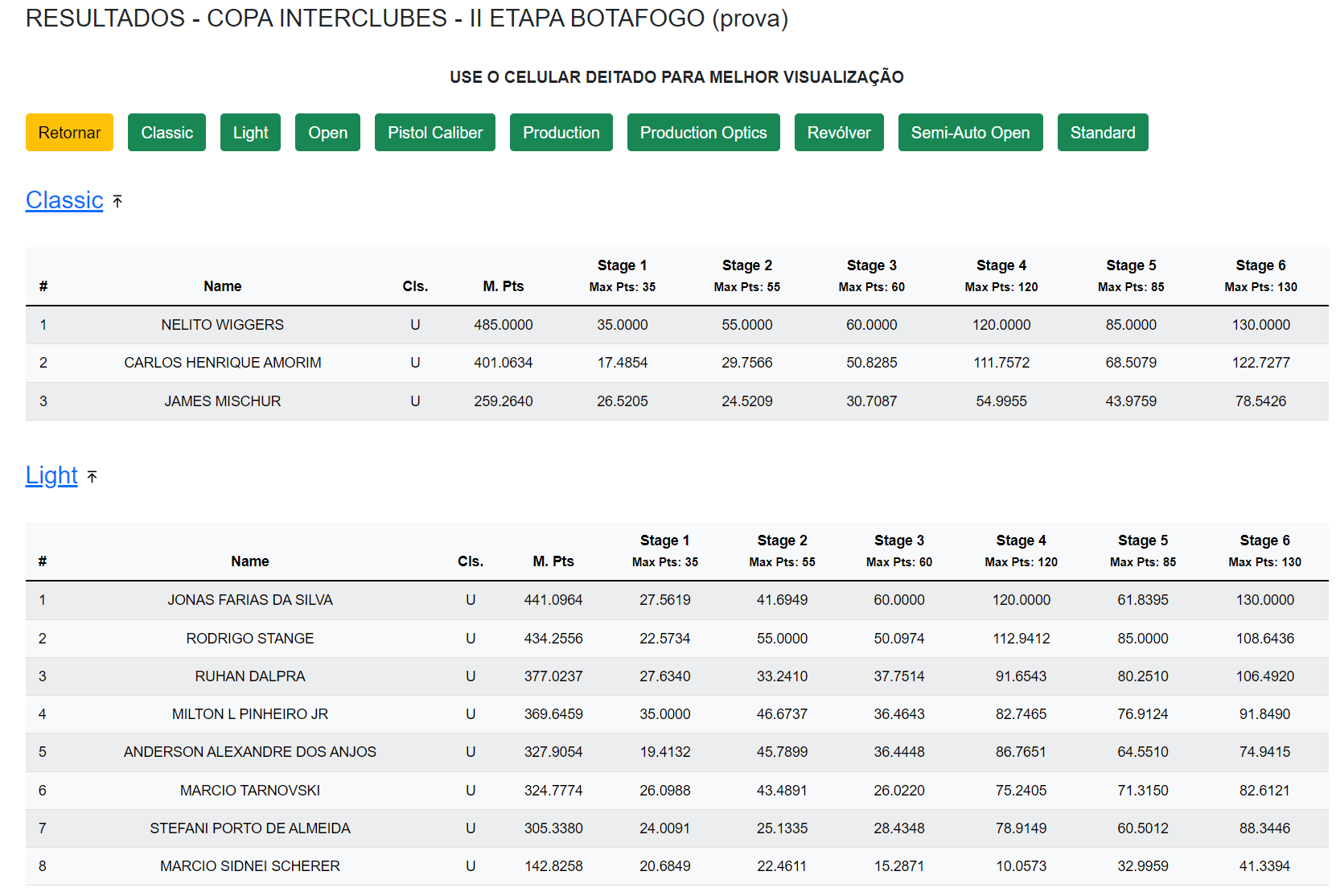
Full Scoring.Services integration
Online results, real-time dashboards, and professional match management.
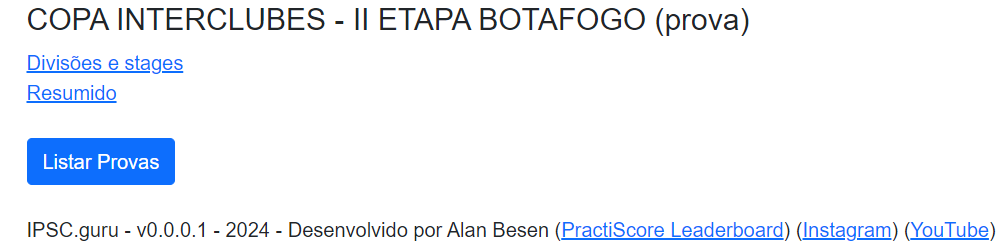
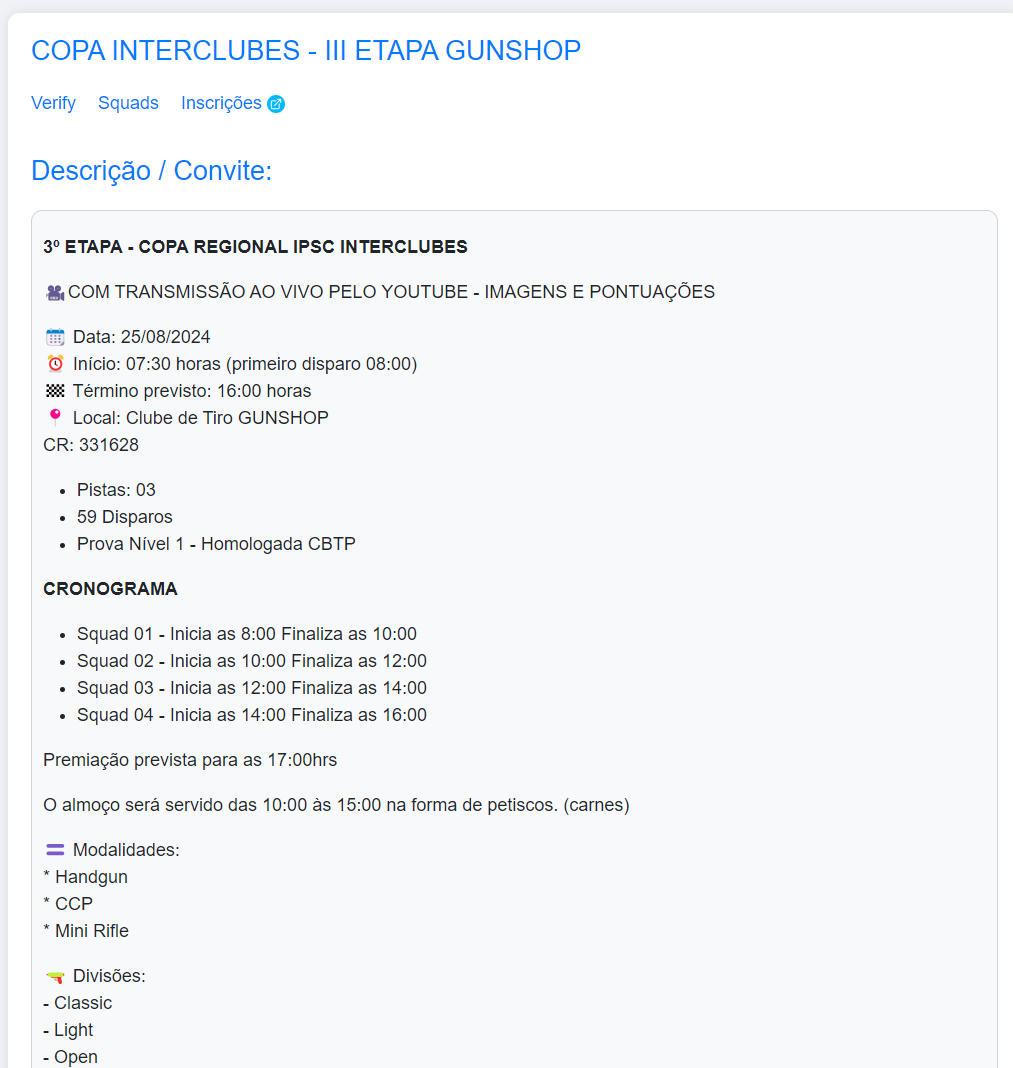
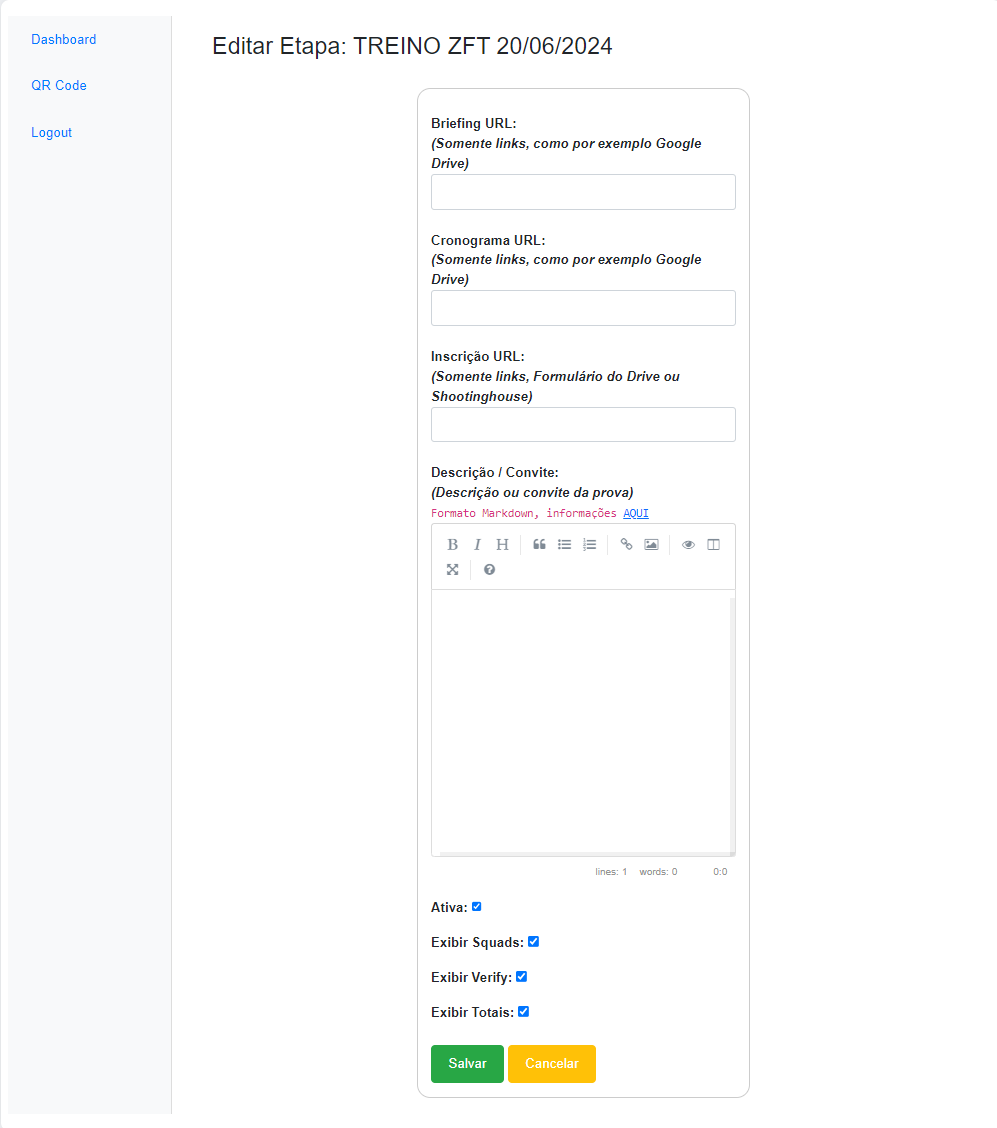
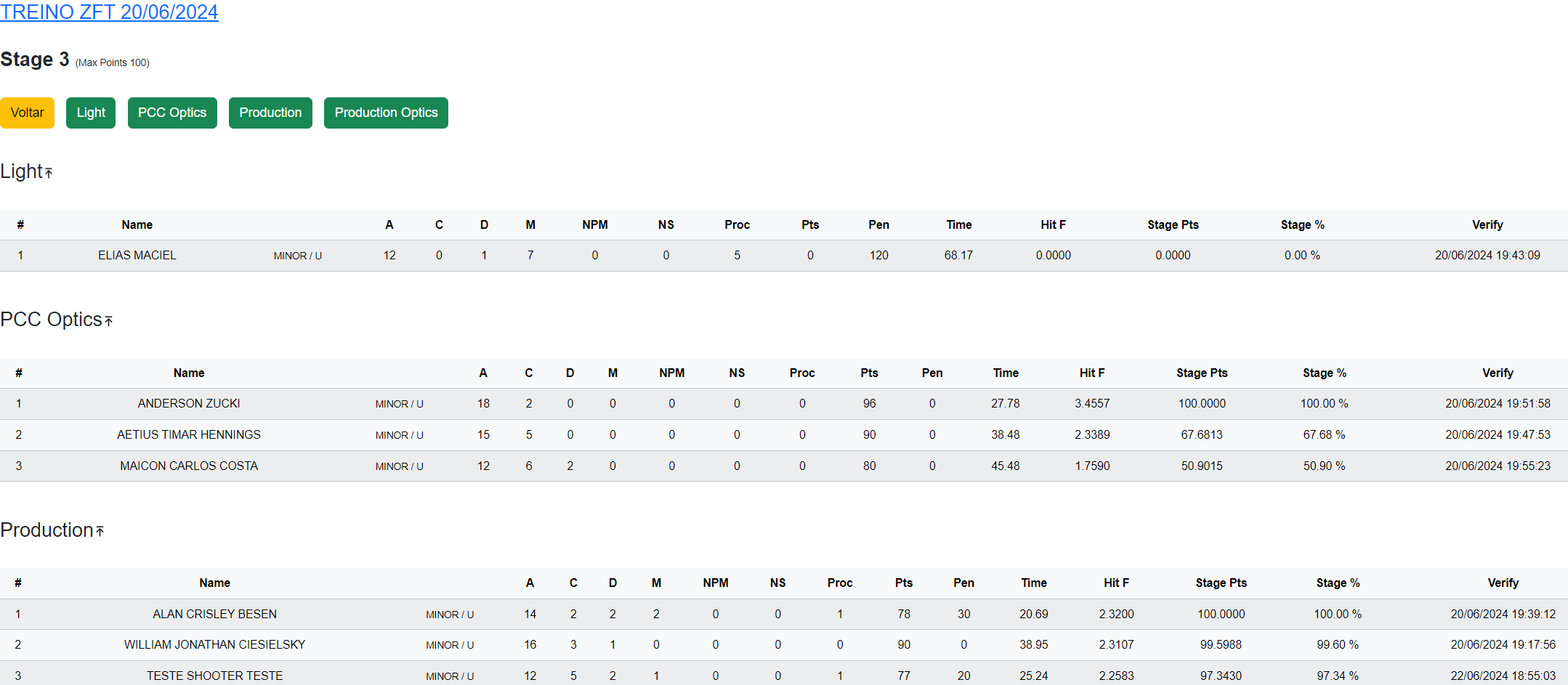
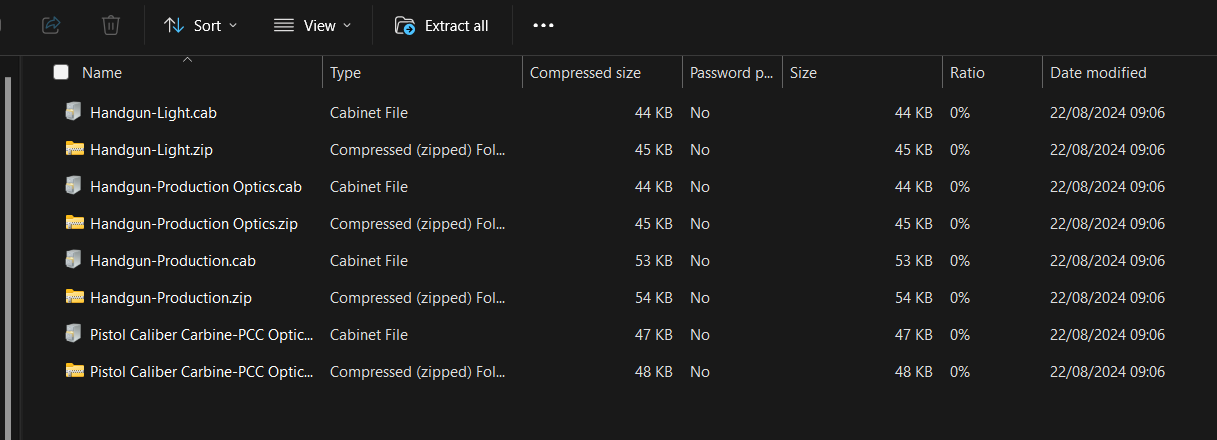
Export to WinMSS and Shooting House
Generated files ready for import into federation systems.
Tools on the IM hub
Direct links to im.scoring.services — match list, import, athlete search, editors, and more.
All hub features
Each card opens a dedicated area of the import and analysis hub.
Division statistics
Compare averages and distributions within the same IPSC division.
Athletes by divisionPlatform statistics
Distribution by division, state, match level and macro view of imported data.
Open platform statsIPSC Stage Designer
Draw stages in the browser — WSB, PDF, materials and RO link.
Open Stage DesignerExplore more in the IPSC guide
Frequently asked questions
Apoiadores


