Language: Português (BR) · Español
Import and consult practical shooting tests
In addition to the live score, the ecosystem adds finished tests for study, comparison and statistics. Import via ShootingHouse URL, PractiScore file (.psc) from the 1.7.x/2.x app or WinMSS (.cab), consult the collection in /imported_matches and share the race hub with athletes and teams.
importar prova tiro prático provas importadas ShootingHouse WinMSS hub provas
Import test in IM hub
ShootingHouse or WinMSS — import, check and share the race hub with graphics and overall.
Quick actions
Jump straight to import tools and related guides.
What you get on this page
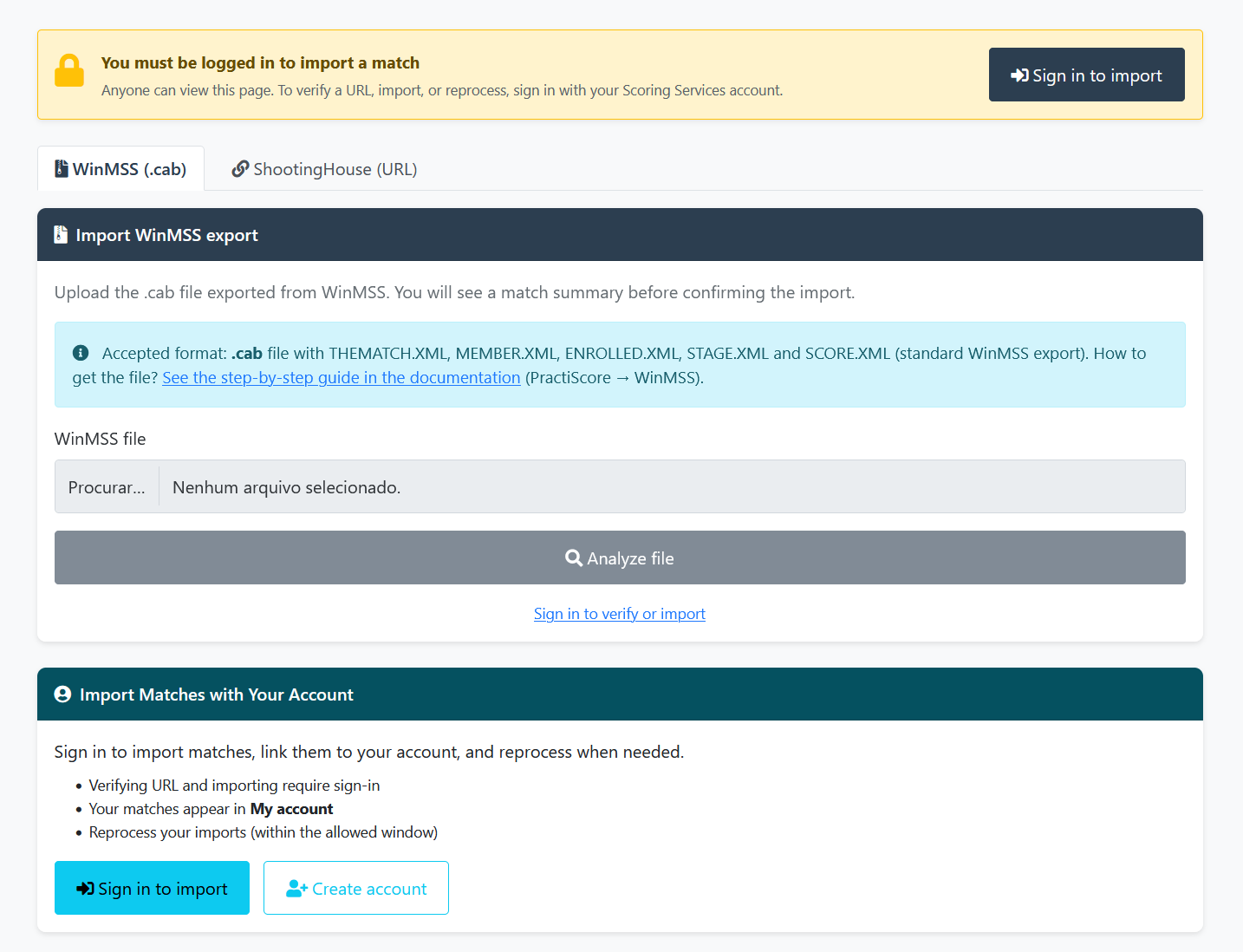
- Import via ShootingHouse (URL), PractiScore (.psc) or WinMSS (.cab) at https://im.scoring.services/import
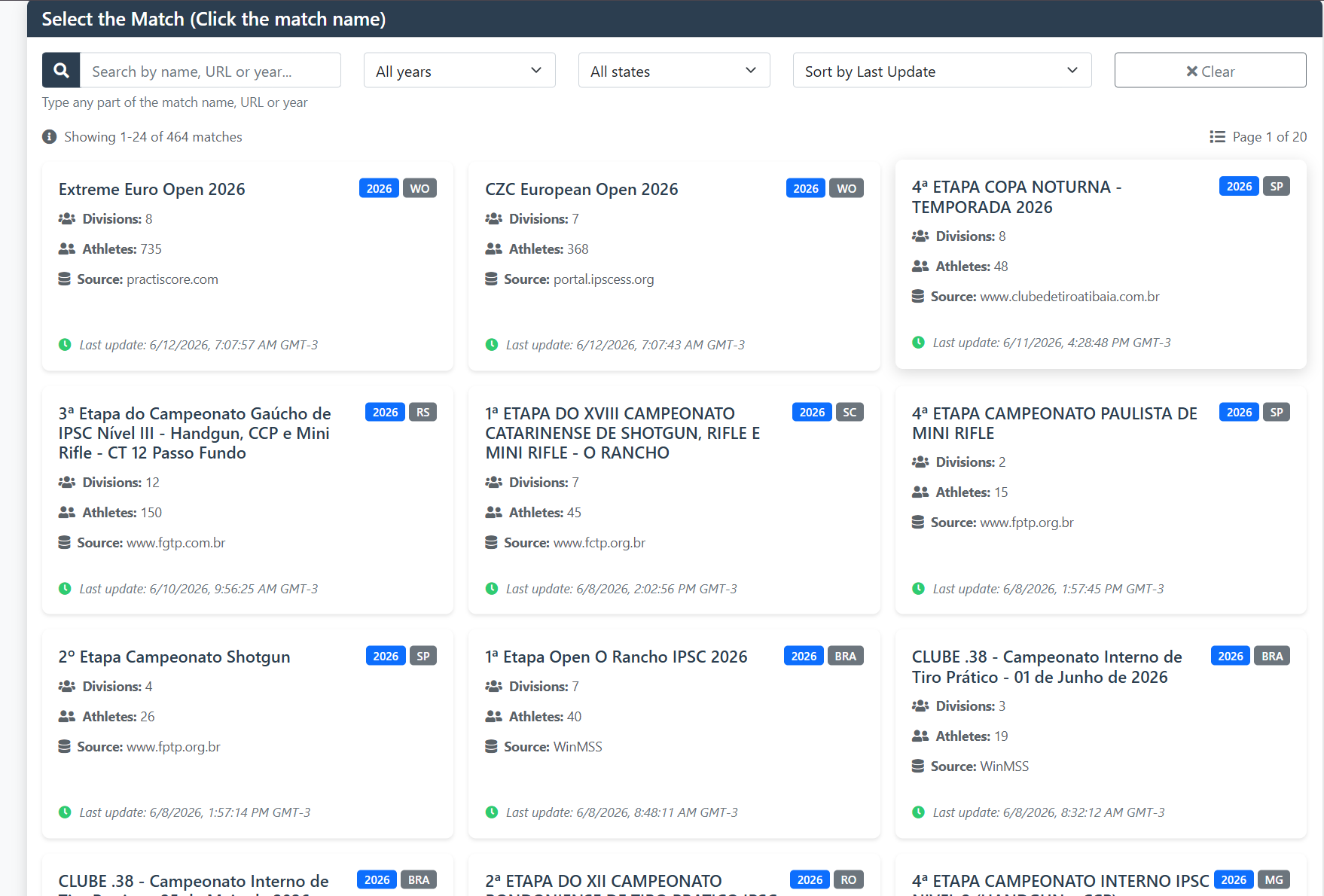
- Public listing of imported evidence with search, filters and links to the analytical hub.
- Preview before publishing to WinMSS; duplicate check in ShootingHouse.
- Free results consultation — see /consulta-ipsc-gratuita-sem-login.
Quick summary
- Detailed import guide: /importar-prova-ipsc.
- Live matches: /matches; processed collection: /imported_matches.
- Login required only to confirm import, not to consult published evidence.
Why import evidence
Import consolidates scoring results in a searchable database: comparison between stages, athlete evolution, ELO and references. Clubs preserve regional history; athletes create a competitive resume with shareable links. Two entries: URL ShootingHouse (Brazil) or .cab WinMSS (Brazil and abroad).
Public consultation
/imported_matches lista provas concluídas e em acompanhamento. Links levam ao ambiente ipsc.scoring.services para visualização rica. Muitas análises são públicas; limites sem login em /consulta-ipsc-gratuita-sem-login.
Recommended flow for athletes
1) Search for proof in /imported_matches. 2) Open hub in IM. 3) Read /ipsc-proof-summary. 4) Compare in /comparacao. Organizers: import at https://im.scoring.services/import and consult /importar-prova-ipsc for the complete step-by-step guide.
Dig deeper into IPSC and tools
For regulation, hit factor and combined, use /guia-ipsc and /o-que-e-hit-factor-ipsc. Public tools: /comparacao, /ferramentas and /imported_matches. Transmission: /overlay-transmissao-esportiva.
Import and query
WinMSS import interface and public catalog of aggregated evidence.
Tools on the IM hub
Direct links to im.scoring.services — match list, import, athlete search, editors, and more.
All hub features
Each card opens a dedicated area of the import and analysis hub.
More practical shooting & IPSC guides
Frequently asked questions
Apoiadores


