Language: Português (BR) · Español
IPSC test summary for quick decision
The proof summary concentrates the main data for an efficient initial reading before technical in-depth analysis.
resumo da prova ipsc visão geral ipsc hub da prova ipsc
Access the summary now
Open a test and do a thorough initial reading before detailed diagnosis.
Quick actions
Jump straight to import tools and related guides.
What you get on this page
- Clear overview of the competition result.
- Shortcuts for ranking, combined and detailed analysis.
- Quick basis for post-test decisions.
Quick summary
- Clear overview of the competition result.
- Shortcuts for ranking, combined and detailed analysis.
- Quick basis for post-test decisions.
- See the sections below and the shortcuts to apply to your test or transmission.
Start with the overview
In the summary, you can see in a few clicks the scenario of the race: leaders by division, spread of percentages and where the competition was tighter — before opening each stage in detail.
Go deeper with the right modules
After the initial reading, proceed to the combined (aggregated points, times and penalties), to the data per track (stage) and to the athlete details: this sequence is the typical flow of technical diagnosis at IPSC.
Gain speed in the post-race
This layered reading reduces analysis time and improves the quality of training and strategy decisions.
Continue in the Scoring Services ecosystem
This article is part of /guia-ipsc. To apply it in practice, open a test at https://im.scoring.services/list or follow the steps at /matches. Recreational athletes can start with the comprehensive guide at /tiro-practico-guide-completo.
After the summary
Go to /hub-completo-da-prova on the IM hub or read /ranking-ipsc and /resultados-combinados-ipsc.
Hub Overview
From the hub you can access all stage analyzes in one place.
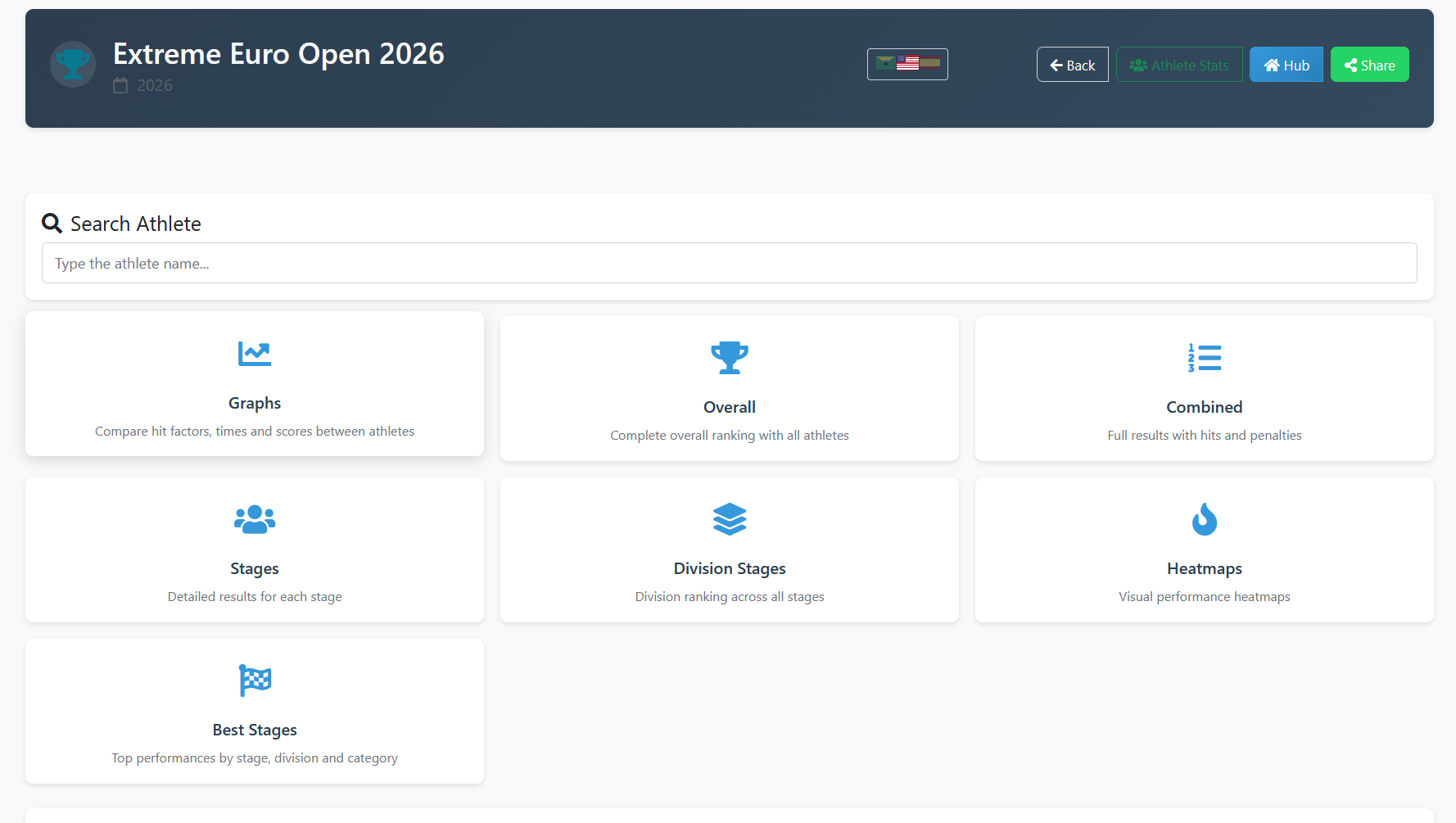
Hub Overview
From the hub you can access all stage analyzes in one place.
Hub Overview
From the hub you can access all stage analyzes in one place.
Hub Overview
From the hub you can access all stage analyzes in one place.
Tools on the IM hub
Direct links to im.scoring.services — match list, import, athlete search, editors, and more.
All hub features
Each card opens a dedicated area of the import and analysis hub.
Division statistics
Compare averages and distributions within the same IPSC division.
Athletes by divisionPlatform statistics
Distribution by division, state, match level and macro view of imported data.
Open platform statsIPSC Stage Designer
Draw stages in the browser — WSB, PDF, materials and RO link.
Open Stage DesignerExplore more in the IPSC guide
Frequently asked questions
Apoiadores


